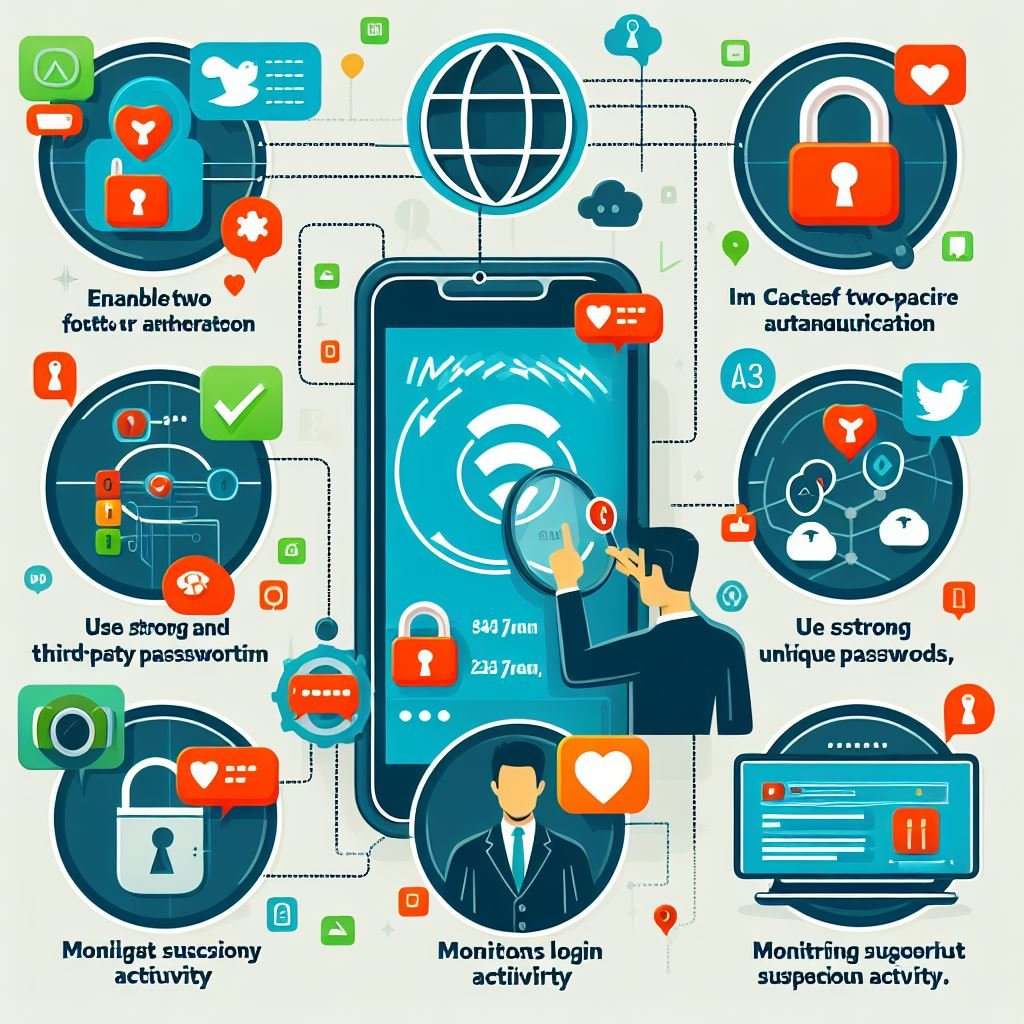
Is Your Instagram Account a Hacker's Dream? Learn How to Fortify It!
Hey there, fellow Instagrammers! Ever feel that little shiver down your spine when you think about someone snooping around your Insta account? Yeah, me too. In today’s digital jungle, where cat videos and brunch pics reign supreme, our Instagram accounts have become these little digital diaries, filled with memories, connections, and… well, a whole lot of personal information that hackers would justloveto get their hands on. Think of it this way: your Instagram is like your house, and hackers are like those super sneaky burglars who are always looking for an open window. But unlike your real house, it's often easier for them to break into your digital home if you're not careful.
It's not just about losing those carefully curated photos, either. A hacked Instagram account can lead to identity theft, financial scams, and even damage to your reputation. Imagine a hacker posting embarrassing content on your behalf or using your account to spread malicious links. Not a pretty picture, right? And let's be honest, who wants to deal with the headache of recovering a compromised account, changing passwords, and notifying all your followers? It’s a digital nightmare we all want to avoid.
The good news? Securing your Instagram isn't rocket science. It's more like putting extra locks on your doors and windows. With a few simple steps and a bit of awareness, you can significantly reduce your risk of falling victim to these digital villains. In fact, Instagram provides a whole arsenal of tools to help you keep your account safe and sound. Think of them as your personal security guards, ready to defend your digital turf.
Think about it: you wouldn't leave your front door wide open when you leave the house, would you? So why would you leave your Instagram account vulnerable? It's time to take control and become the guardian of your own digital domain. Ready to transform your Instagram into an impenetrable fortress? Keep reading, because we're about to dive into the nitty-gritty of how to safeguard your account and keep those pesky hackers at bay. Are you ready to take the plunge and fortify your Instagram account against the dark forces of the internet?
Fortress Instagram: Your Ultimate Guide to Security
Alright, friends, let’s get down to brass tacks. Securing your Instagram account isn't about being a tech wizard; it's about being smart and proactive. We're going to cover the essential strategies to keep your account safe from hackers, so you can continue sharing your avocado toast pics and vacation snaps without worry. Think of these tips as your digital armor – essential for surviving the online battlefield.
Essential Security Measures: Building Your Digital Walls
Here’s how you can construct a digital wall around your Instagram account, making it as impenetrable as possible:
• Fortify Your Password: The Foundation of Security
This might sound like a broken record, but I can't stress enough how crucial a strong password is. Think of it as the foundation of your digital fortress. "Password123" or your pet's name just won't cut it. We're talking about a complex, unique password that hackers can't easily guess or crack. Here's the recipe for a super-strong password:
- Minimum 12 characters: The longer, the better.
- Mix it up: Combine uppercase and lowercase letters, numbers, and symbols (!@#$%^&).
- Avoid personal info:Don't use your name, birthday, or anything else easily found online.
- Unique to Instagram: Don't reuse passwords from other accounts. If one account gets hacked, they all do.
Seriously, imagine using the same key for your house, your car, and your office. That's what you're doing when you reuse passwords. Tools like password managers (Last Pass, 1Password, etc.) can generate and store strong, unique passwords for all your accounts. They're like having a digital butler who remembers everything for you. Use them!
• Two-Factor Authentication (2FA): Your Double Layer of Defense
Think of 2FA as adding a second deadbolt to your front door. Even if someone manages to guess your password, they'll still need a second code to get in. Instagram offers 2FA via SMS or authentication apps like Google Authenticator or Authy. I highly recommend using an authentication app. SMS can be intercepted, making it less secure.
Enabling 2FA is super easy:
- Go to your Instagram profile.
- Tap the menu icon (three lines) in the top right corner.
- Select "Settings" then Security.
- Tap "Two-Factor Authentication" and choose your preferred method.
Once enabled, you'll need to enter a code from your chosen method whenever you log in from a new device. It might seem like an extra step, but it's a small price to pay for peace of mind.
• Review and Revoke Third-Party App Access: Cutting Off Unnecessary Access
Remember that fun quiz you took on Instagram last year? Or that app that promised to get you thousands of followers? Many of these third-party apps ask for access to your Instagram account, which can be a security risk. They might sell your data, post spam, or even compromise your account. It's time for a digital spring cleaning. Here's how to review and revoke access:
- Go to Instagram's website (not the app) and log in.
- Click your profile picture in the top right corner and select Settings.
- Click "Apps and Websites."
- Review the active and expired apps. If you don't recognize an app or no longer use it, click Remove.
Think of it like this: every app you grant access to is like giving a key to your house. Only give keys to people you trust and regularly check who has them. Be especially wary of apps that promise unrealistic results, like a massive influx of followers. Those are often scams.
Proactive Measures: Staying One Step Ahead
Now that we've built our digital walls, let's talk about proactive measures you can take to stay one step ahead of the hackers. These are the habits that will keep your account safe in the long run. Think of them as your daily security checkups.
• Be Wary of Phishing Attempts: Spotting the Fake
Phishing is when hackers try to trick you into giving them your login information by pretending to be someone else, usually Instagram itself. They might send you an email or direct message claiming your account has been compromised and asking you to click a link and enter your password. Don't fall for it! Here are some red flags to watch out for:
- Suspicious emails or DMs: Look for poor grammar, spelling errors, and urgent requests.
- Unofficial links: Always check the URL before clicking. Legitimate Instagram links will start with "instagram.com."
- Requests for personal information: Instagram will never ask for your password via email or DM.
If you receive a suspicious message, don't click any links or provide any information. Instead, go directly to Instagram's website or app and check your account status. You can also report the message to Instagram.
Think of phishing attempts as those shady characters who approach you on the street offering too-good-to-be-true deals. If it sounds too good to be true, it probably is.
• Keep Your Email and Phone Number Updated: Staying in the Loop
Your email address and phone number are your lifeline to Instagram. If your account gets hacked, they're how Instagram will contact you and help you recover it. Make sure they're always up-to-date and secure. Here's how to check and update them:
- Go to your Instagram profile.
- Tap "Edit Profile."
- Update your email address and phone number if necessary.
Also, make sure your email account is secure! Use a strong password and enable two-factor authentication on your email account as well. After all, if a hacker gains access to your email, they can easily reset your Instagram password.
• Monitor Your Login Activity: Keeping an Eye on Things
Instagram lets you see where your account has been logged in from. This is a great way to catch unauthorized access. If you see a login from a location you don't recognize, it's a sign that your account might be compromised. Here's how to check your login activity:
- Tap the menu icon (three lines) in the top right corner.
- Select "Settings" then Security.
- Tap "Login Activity."
If you see any suspicious activity, immediately change your password and revoke access to any unfamiliar devices.
• Report Suspicious Activity: Be a Good Digital Neighbor
If you see something suspicious on Instagram, like a fake account impersonating you or a friend, report it! Instagram relies on its community to keep the platform safe. Reporting suspicious activity helps protect yourself and others from scams and hacks.
Advanced Security Tips: Going the Extra Mile
For those of you who want to take your Instagram security to the next level, here are some advanced tips:
• Use a VPN on Public Wi-Fi: Protecting Your Connection
Public Wi-Fi networks are often unsecured, making them vulnerable to hackers. When using public Wi-Fi, use a Virtual Private Network (VPN) to encrypt your internet traffic and protect your data. There are many VPN apps available for smartphones and computers.
• Be Careful About What You Share: Oversharing Can Be Risky
Think before you post! Avoid sharing sensitive information like your address, phone number, or travel plans. Hackers can use this information to steal your identity or plan a burglary.
• Enable Login Request: A More Secure Way to Log In
Instead of entering your password, you can approve login attempts from a recognized device. This adds another layer of security and prevents hackers from logging in even if they have your password.
Frequently Asked Questions
Let's tackle some common questions about Instagram security:
Q: What should I do if I think my Instagram account has been hacked?
A: First, try to reset your password immediately. If you can't access your account, contact Instagram support as soon as possible. They will guide you through the recovery process. Also, notify your followers that your account may have been compromised so they can be wary of any suspicious messages or posts.
Q: How can I tell if a third-party app is safe to use?
A: Research the app before granting it access to your Instagram account. Look for reviews, check the developer's reputation, and be wary of apps that ask for excessive permissions. If you're unsure, it's best to avoid the app altogether.
Q: Is it safe to link my Instagram account to other social media platforms?
A: Linking your accounts can be convenient, but it also creates a potential security risk. If one of your linked accounts gets hacked, the hacker could potentially gain access to your Instagram account as well. Consider the risks and benefits before linking your accounts.
Q: How often should I change my Instagram password?
A: It's a good idea to change your Instagram password every few months, especially if you suspect your account may have been compromised. Regular password changes can help prevent hackers from gaining access to your account.
Conclusion: Secure Your Instagram, Secure Your Peace of Mind
So there you have it, friends! Your comprehensive guide to securing your Instagram account from hackers. We've covered everything from creating a fortress-worthy password to spotting phishing attempts and revoking third-party app access. Remember, securing your Instagram is an ongoing process, not a one-time task. Stay vigilant, stay informed, and keep those digital walls strong.
Now it's your turn to take action! Go through each of these steps and fortify your Instagram account today. Enable two-factor authentication, review your third-party apps, and create a super-strong password. Your future self will thank you for it. After all, a little bit of effort now can save you a whole lot of headaches down the road. So, are you ready to transform your Instagram into an impenetrable fortress and enjoy the peace of mind that comes with knowing your account is safe and sound?
